


Your choice for the latest news on Microsoft and other software products
September 21, 2020
If an Office application such as Word or Excel isn’t working correctly, sometimes restarting it will fix the problem. If that doesn’t work, you can try repairing it. When you’re done, you might need to restart your computer. Repair Office from the Control Panel The...
July 21, 2020
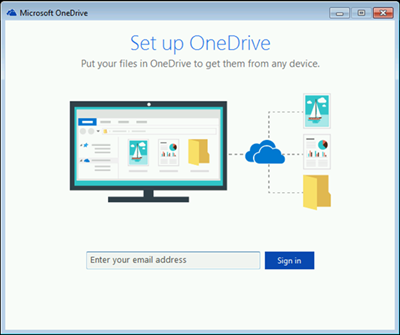
If you've been using Windows 7 and you get a new PC, you probably have a lot of files that you want to move to the new PC--more than you can easily transfer on a USB thumb drive. By using OneDrive, you can quickly set...
Read more
July 08, 2020
When you go through activation of your Office product and it fails, you will see Unlicensed Product or Non-commercial use / Unlicensed Product in the title bar of your Office apps. This will cause most features of Office to be disabled. You will need to...
Read more
July 07, 2020
Sometimes the easiest way to make a copy of something is to take a snapshot of your screen. While you can already capture your screen using your keyboard’s PrtScn button, you can now press Windows logo key + Shift + S to open the new modern snipping experience (also called the snipping bar), then drag...
Read more
June 26, 2020
Learn more about screenshots with Snip & Sketch If you are trying to take a screenshot or screengrab, see How to take and annotate screenshots on Windows 10. Windows 10 Keyboard shortcuts are keys or combinations of keys that provide an alternative way to do...
Read more

March 24, 2020
Remote working is the new essential in the age of Social Distancing. As a small business, figuring out how to get your employees set up for remote working may seem like a daunting task, but there are many resources available to help the transition or set...
Read more


